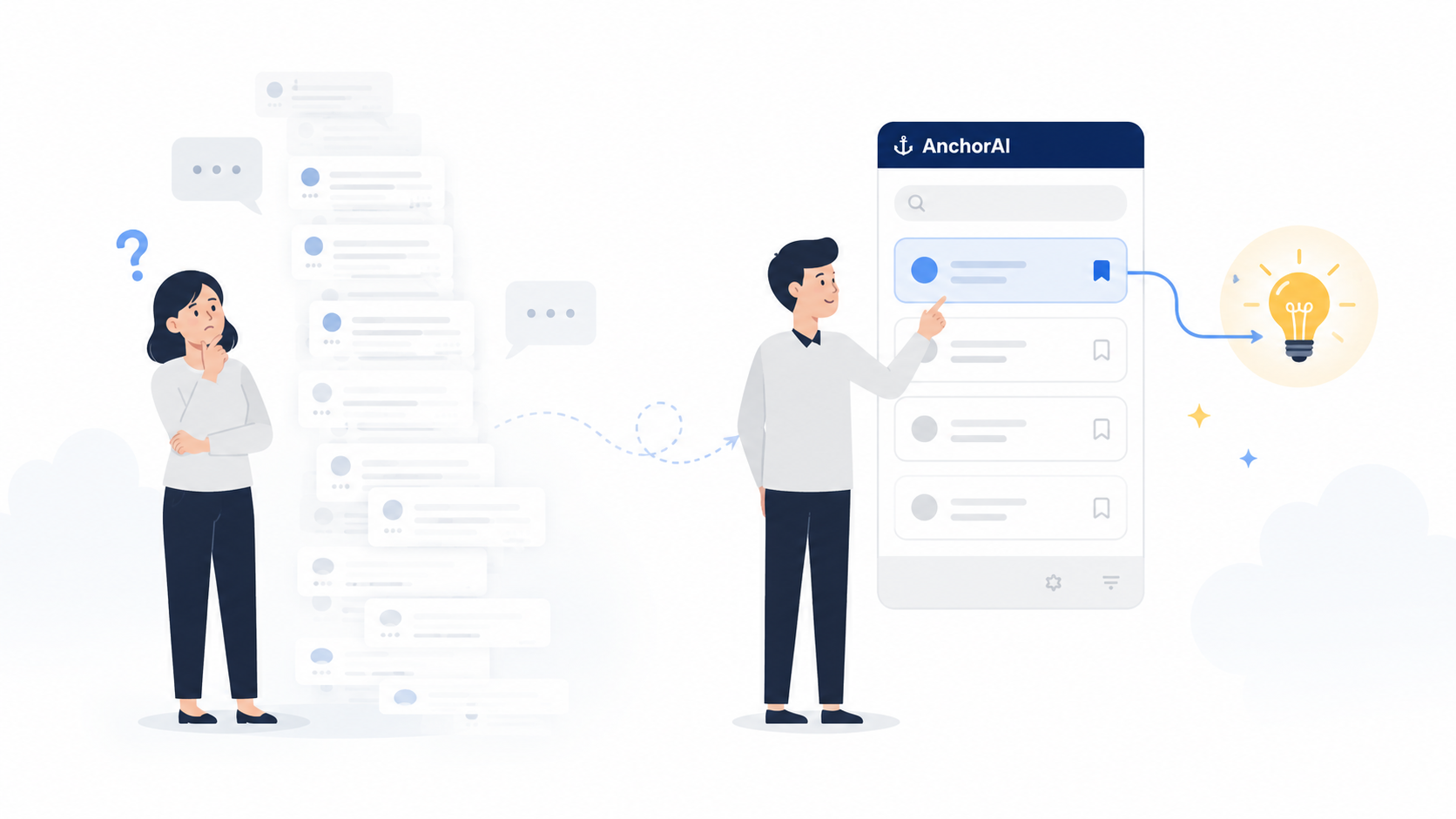
Asking AI the same thing again?
With AnchorAI, just drag to mark.Revisit key answers and reusable prompts whenever you need them.Open that one answer buried inside the conversation — beyond what bookmarks can reach — in a single click.
Optimize the recursive sort algorithm. I want it to be fast even for large datasets.
Here's an optimized quicksort implementation for large datasets. It uses median-of-three pivot selection to avoid worst-case scenarios:
Key takeaway: The median-of-three strategy avoids worst-case O(n²) and consistently achieves average O(n log n) time complexity.
Drag any text. It becomes an anchor instantly.
On ChatGPT, Claude, or Gemini, just drag-select the answer you want to keep. No button to click — the highlighted text is auto-saved to your side panel.
The side panel doubles as your task list.
Search every anchor by full text, then check them off when you've acted on them. Treat each anchor as 'to read', 'to try', or 'to cite' — all sorted by status in one panel, color-coded by source.
One click brings you back to the exact answer.
Click an anchor and AnchorAI switches to the source tab and scrolls to the saved passage. If the tab was closed, it reopens and highlights the spot. No more 'where was that answer?'
Simple pricing
Start free. Go Pro when you need more.
Free
- check_circleUp to 20 anchors
- check_circle14-day retention (auto-deleted after)
- check_circleStored locally in your browser
- check_circleFull-text search across saved anchors
Pro
- check_circleUnlimited anchors
- check_circleCloud storage while subscribed (no auto-deletion)
- check_circleEverything in Free (search, done tracking)
FAQ
How much can I use for free?
You can try AnchorAI without an account — up to 5 anchors, kept for 24 hours. With a free account, you get up to 20 anchors kept for 14 days. For unlimited anchors with no expiration, consider the Pro plan ($4.80/month).
Which AI services are supported?
AnchorAI works on browser-based AI chat services such as ChatGPT, Claude, and Gemini.
What does Pro cost and how do I pay?
The Pro plan is $4.80/month. We accept credit cards (Visa / Mastercard / JCB / Amex / Diners), processed securely through Stripe.
Can I cancel anytime?
Yes. You can cancel anytime from "Manage Subscription" on My Page. After cancellation, Pro features remain available until the end of the current billing period. No pro-rated refunds are issued.
What happens to my data if I cancel?
After your billing period ends, anchors stored in the cloud are no longer accessible, and the Free plan limits (20 anchors, 14-day retention) apply. Please review any anchors you need before canceling.
How do you handle privacy?
On the Free plan (and without an account), anchors are stored only in your browser's local storage and never sent to our servers. On Pro, only the text you select is stored in the cloud over encrypted connections. We never collect your full chat logs or prompts.